
SWORN controller not working
The store page says full controller support and recommends a gamepad. If the stick only misbehaves in menus, players describe a very small deadzone, especially on the crystal-spend screen.
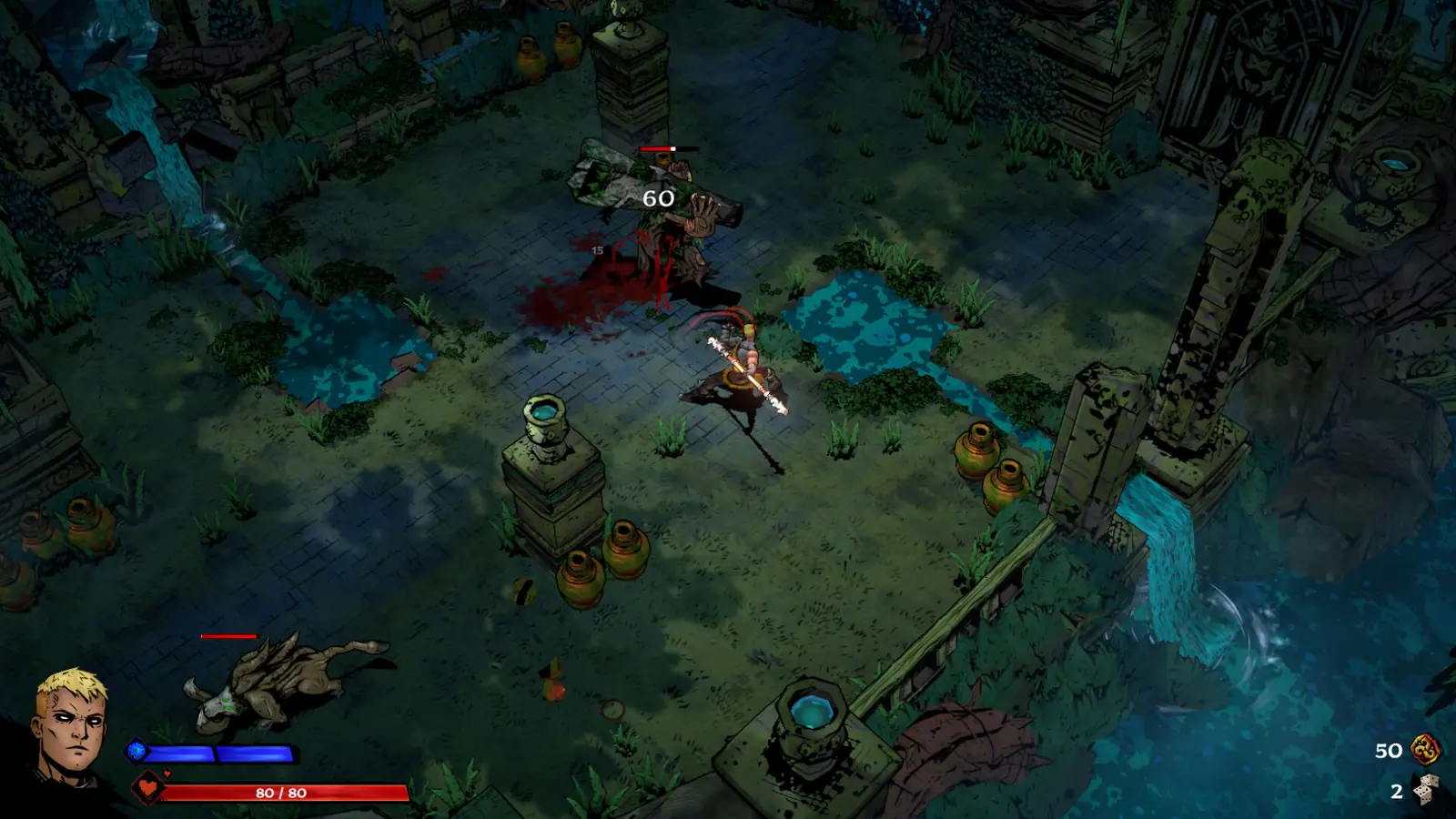
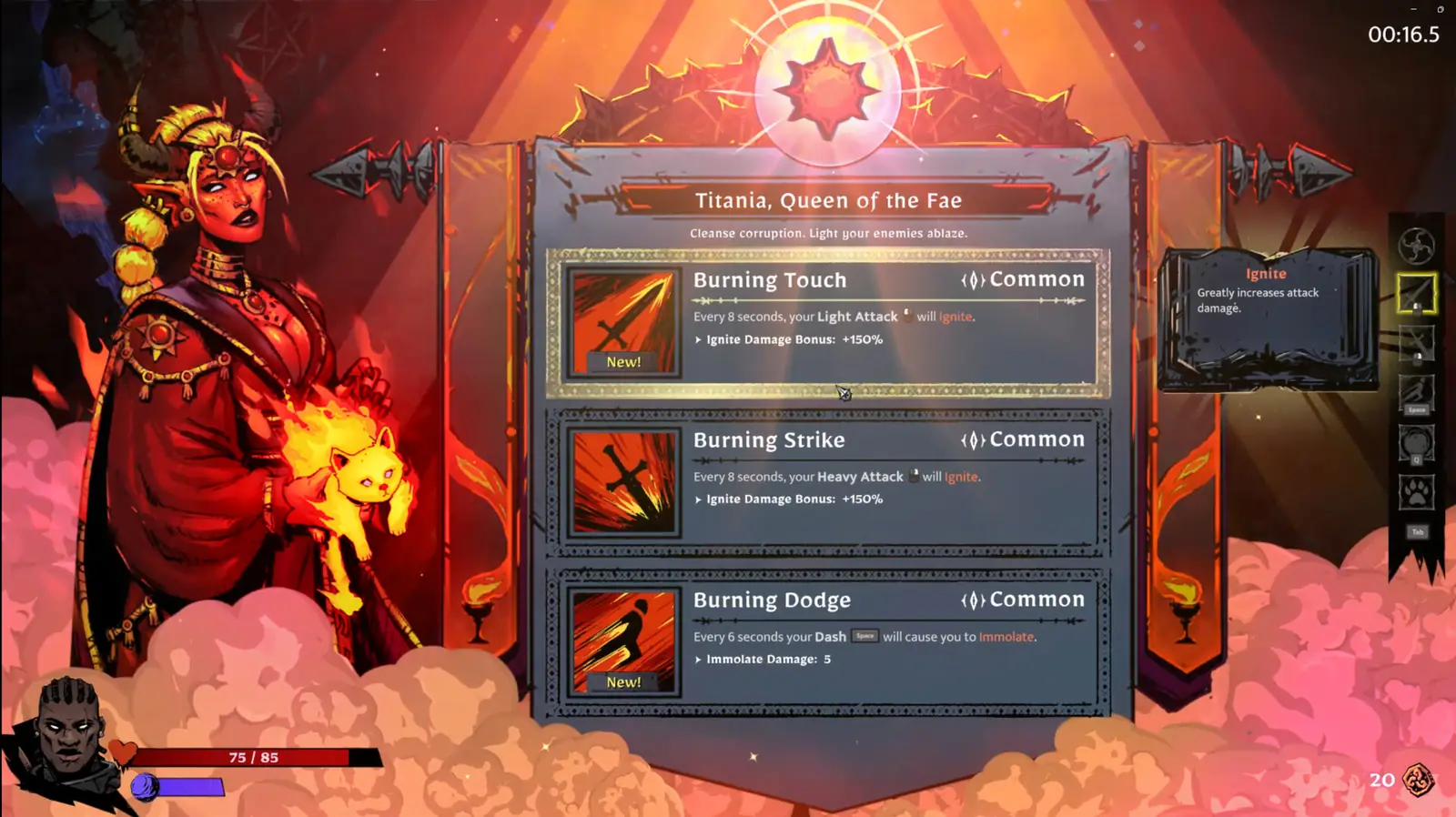
What the store promises
Steam categories include Full controller support, gamepad recommended, DualShock, and DualSense. That is the official capability. It does not include a diagram of the deadzone. A Steam discussion about select screens says the menu leaps between options when the stick is barely off center. Combat can feel fine in the same session. I do not have a number for that deadzone, so I will not invent milliseconds or a slider value.
Order of checks people use
On Windows, joy.cpl shows whether the stick is already off center before the game sees it. Then Steam Input can be enabled or disabled for SWORN alone. Unplug extra pads and virtual controllers from remote-play tools, because two devices fighting is a common cause of “the menu moves itself.” If joy.cpl is clean and Steam Input changes nothing, the next stop is the bug report path with a short clip, not another random ini edit.
Console controllers go through the console, not joy.cpl. PS5 and Xbox pages do not add a separate controller troubleshooting note.
FAQ
Does SWORN support DualSense?
Yes. Steam lists DualSense and DualShock support on the store page.
Why does the menu scroll on its own?
A Steam thread describes a tight deadzone on select screens. A numeric setting for it was not published.
Related
Sources
- Steam store categories — checked 2026-11-10
- Steam discussions — checked 2026-11-10
Page updated 2026-11-10. Site check date 2026-11-10.