SWORN tools
Plan a character setup or track your achievements. Both tools use the same sourced tables as the SWORN guides, with your selections kept on your device.
Achievement tracker
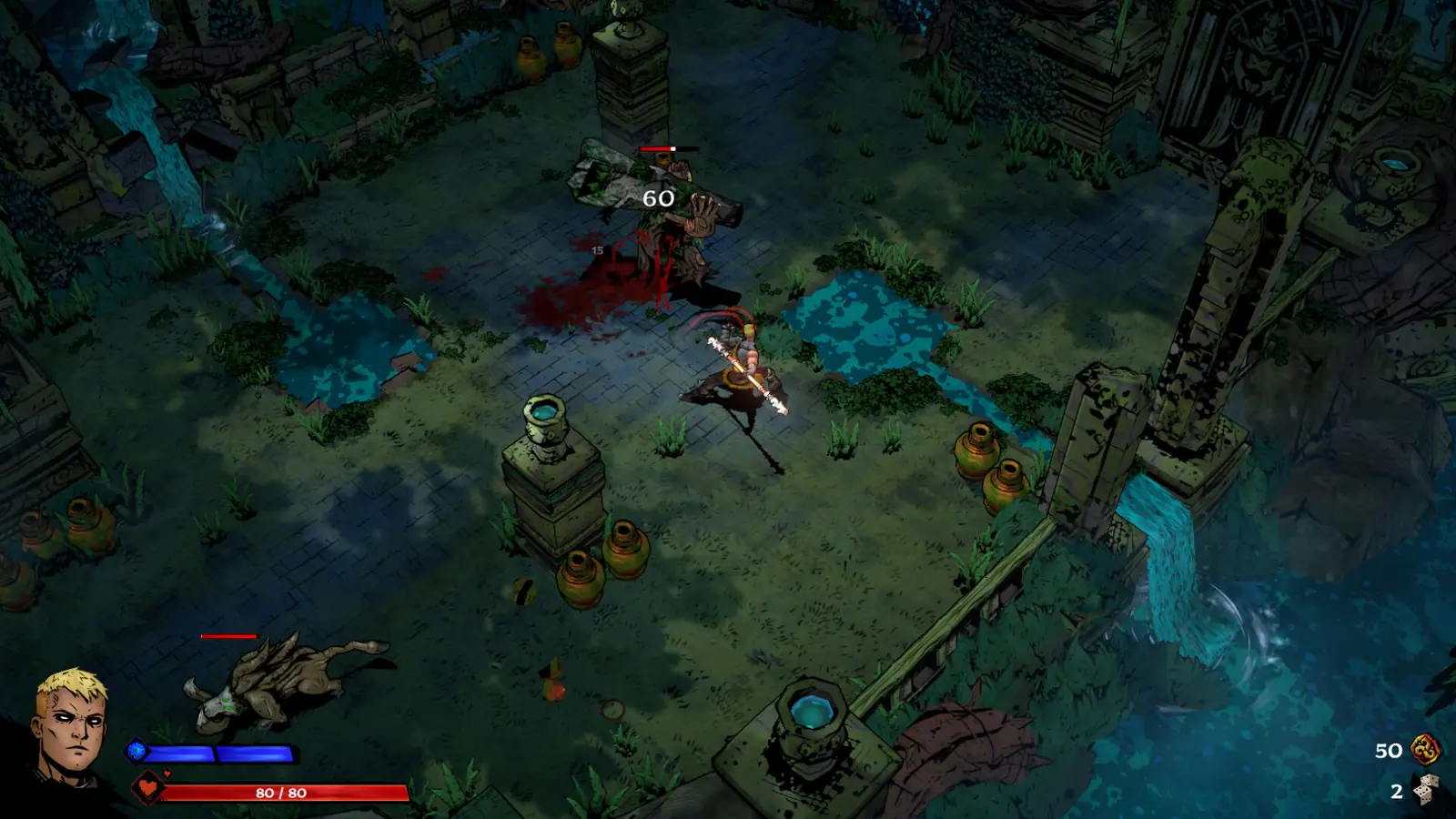
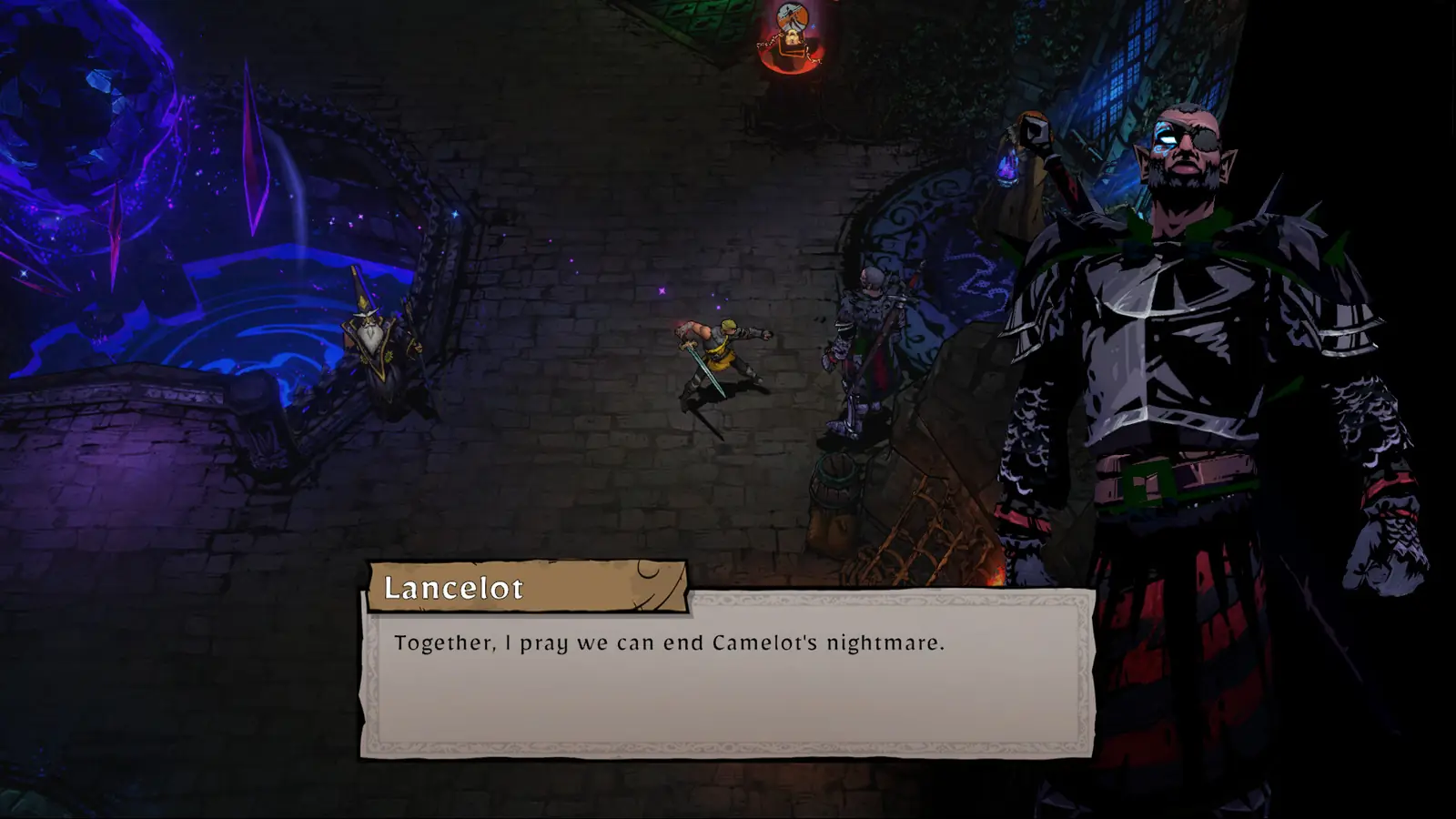
Open the 31-achievement tracker. Search the achievement names and descriptions, sort the table, and tick the ones you have completed. The checklist stays in this browser when you return. It does not connect to your Steam or console account.
Build planner
Open the SWORN build planner. Choose a character and the weapon and spell lists follow that character. Choose two Fae and the duo table filters to that pair, including the prerequisite text from the public Fae pages. The page URL keeps the selection so you can share it.
A separate planner already exists at sworn-to-build.vercel.app, with its own blessing library and share links. Ours is here so each row can point at the build guides, the tier list and the version those rows were checked against.
FAQ
Is there a map tool?
No. SWORN runs are room by room, and there is no fixed world map with a search demand we are building for.
Are there redeem-code tools?
No code list exists for the game, so there is no code tool.
Related
Sources
- Fandom duo tables via Badb — checked 2026-11-10
- Community planner discussion — checked 2026-11-10
Page updated 2026-11-10. Site check date 2026-11-10.